x

    Smarter Management for Every Deployment

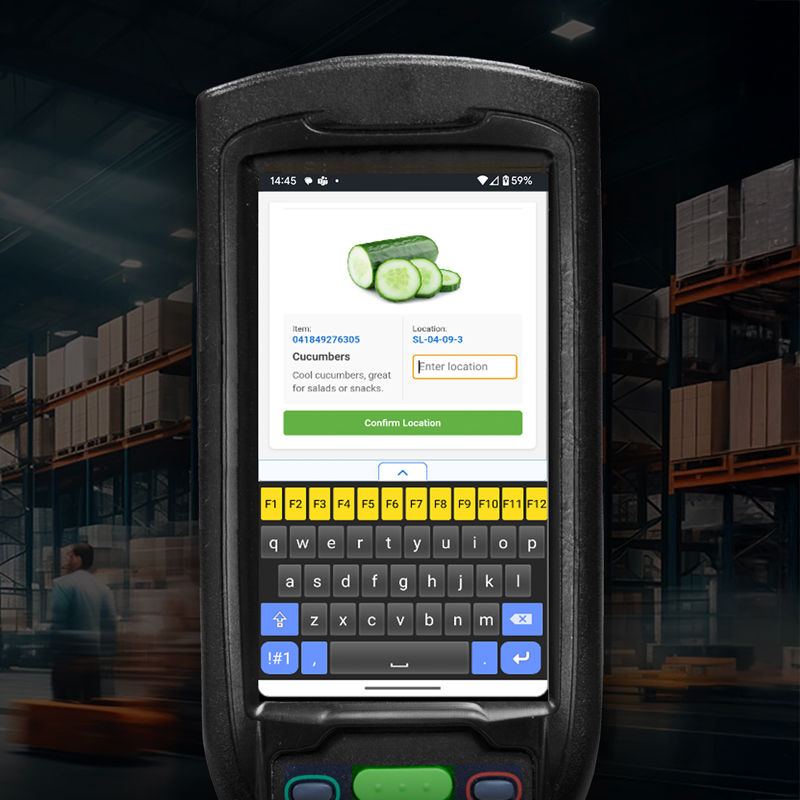
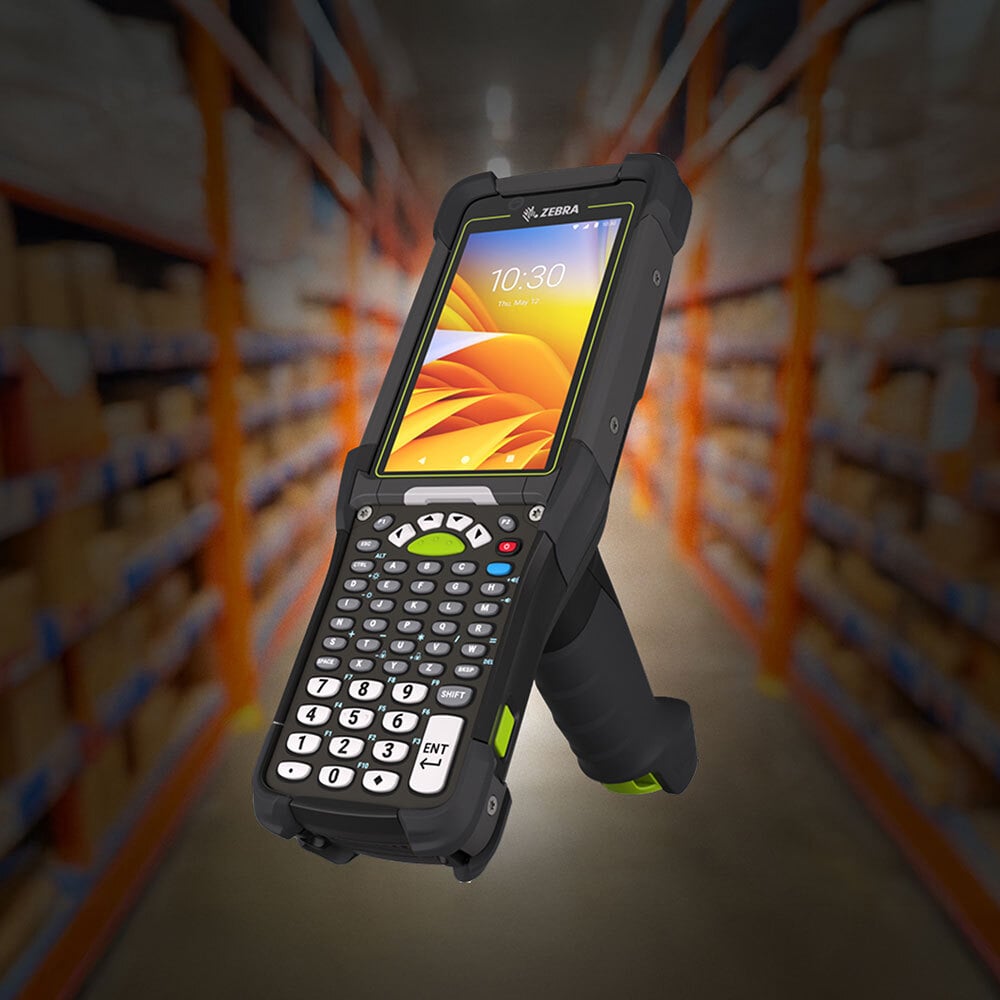
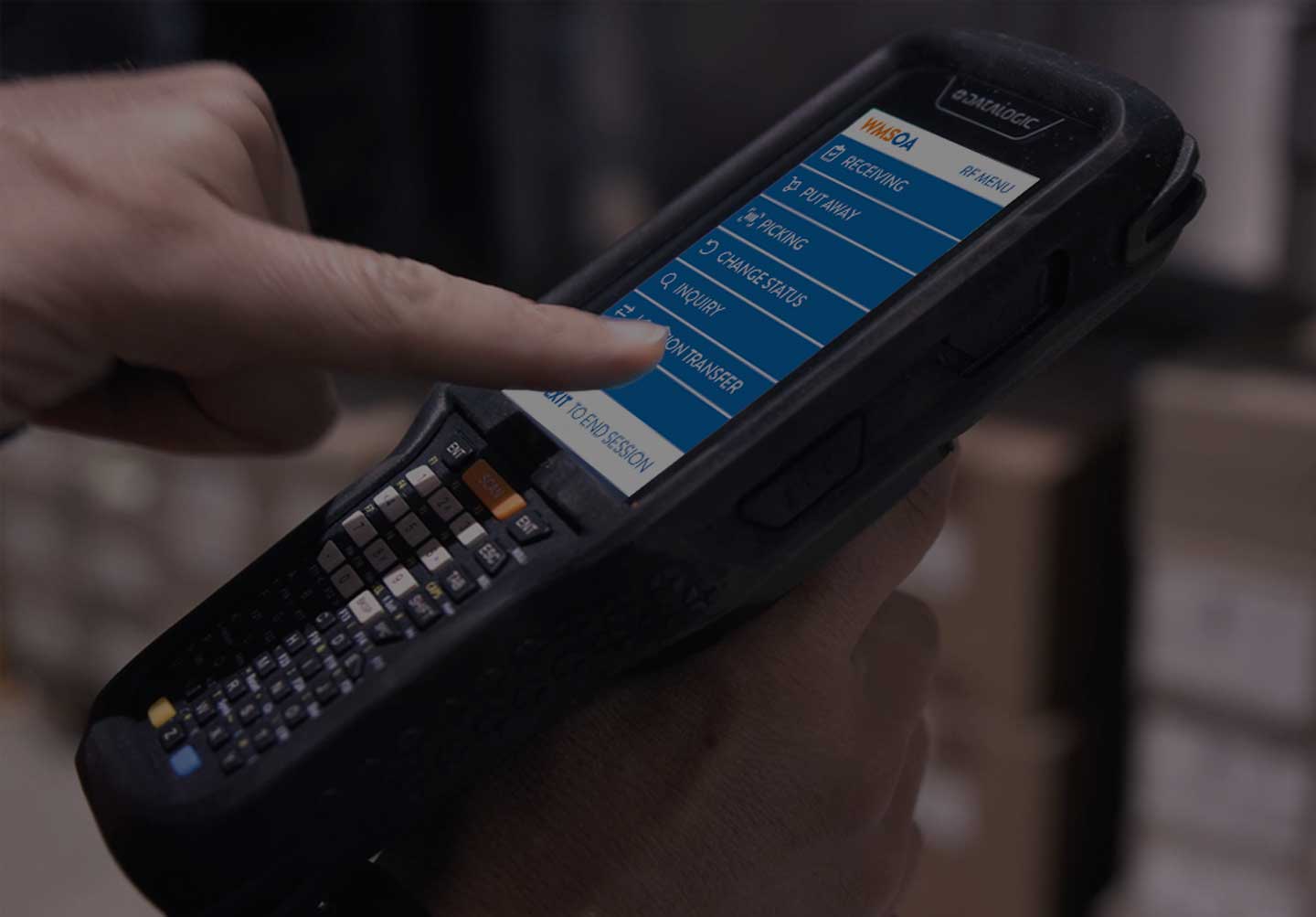
    Enterprise mobile environments are rarely uniform. Different facilities may use different device models, Android versions, applications, security policies, and operational workflows.

    StayLinked SmartHub 2.2.0 gives administrators the flexibility to manage those differences from one centralized interface.

    Create multiple SmartBrowser configuration packages, define which devices should receive them, control how they are installed, and safely develop new versions without disrupting active operations.

    Whether you manage one warehouse or a global network of facilities, SmartHub helps you standardize administration without forcing every device into the same configuration.


    Download the Datasheet (PDF)

    Centralize Configuration.
    Simplify Deployment.
    Stay in Control.

    SmartHub introduces a scalable package-management framework designed for diverse enterprise mobile-device fleets.

    Administrators can create, edit, version, publish, distribute, and maintain multiple SmartBrowser packages through a single management environment. Each package can have its own deployment criteria, processing order, version, and lifecycle.

    This gives organizations precise control over how SmartBrowser is configured across locations, devices, applications, and operational workflows.


    Migration-Image

    Configure Multiple Packages

    Replace one-size-fits-all deployment with a centralized workspace for managing multiple SmartBrowser configurations.

    Administrators can create, upload, edit, version, publish, unpublish, download, and delete packages from one interface. The package list provides an immediate view of each package’s data and deployment status.


    Warehouse Device worker-1

    Deliver the Right Package

    Automatically assign configurations according to device and environmental criteria. Target packages using criteria such as OS version, device type, assets tag, local IP address, and more.

    Flexible rules support exact matches, exclusions, numeric comparisons, wildcards, lists, ranges, and combinations of AND/OR conditions.


    warehouse worker

    Configuration Protection

    Separate configuration development from active production deployments.

    New packages begin in Draft status, allowing administrators to build, review, and test configurations before publishing them. Published packages remain protected while a new editable version is prepared, helping prevent unfinished changes from reaching operational devices.

    CustomKeyboard

    Version Management

    Develop future configurations without overwriting the version currently supporting live operations.

    Create a new draft from an existing published package, make the required changes, and publish the new version when it is ready. SmartHub helps prevent conflicting drafts and invalid version numbers, creating a clearer path from development and testing to production.

    scanners

    Manage Supporting Files

    Go beyond basic browser settings with Advanced File Operations. 

    SmartHub packages can perform actions such as moving, copying and deleting files, creating directories, target location definitions, and more.

    Supporting files and resources can be delivered as part of the same coordinated package deployment.

    software_sap_integration

    Coordinate Layered Configurations

    Build sophisticated deployments without duplicating every shared setting.

    An enterprise-wide package can establish foundational SmartBrowser settings, followed by packages containing facility-specific, device-specific, or workflow-specific configurations.

    Precision Deployment Without Device-by-Device Administration

    SmartHub automatically evaluates connected devices against the criteria assigned to each published package. Devices receive the configurations that match hardware, operating environment, location, or assigned operational role.

    Icon-Inventory

    Accelerate User Adoption

    Provide your workforce an intuitive, easy-to-navigate browsing experience, significantly reducing training time and boosting productivity immediately.

    Icon-Investment

    Maximize Device Investments

    Ensure compatibility across diverse industrial hardware platforms, extending the lifespan of your existing rugged devices and optimizing budget allocations.

    icon-workflow

    Ensure Seamless Transition

    Effortlessly migrate from legacy browsers such as Ivanti Wavelink without downtime, reducing operational disruption and accelerating time-to-value.

    Warehouse workers processing packages on assembly line

    Fair Licensing, Unmatched Flexibility

    StayLinked SmartBrowser redefines industrial browsing with seamless integration, superior performance, and enhanced security tailored specifically for the demands of warehouse environments. Combined with StayLinked's fair licensing model—transparent, flexible, and free from restrictive subscriptions—businesses can confidently adopt modern technologies without hidden costs or contractual frustrations. Boost productivity and maintain full control of your operational expenses with a solution designed around your needs.

    • No hidden fees or forced subscriptions
    • Licensing designed around your operational needs
    • Predictable expenses without surprise charges
    • Maximize efficiency with customized browsing capabilities

    Partnering to Help You Get More from Your Existing System

    StayLinked works hand in hand with leading AIDC technology partners to go the extra mile to provide hands-free scanning, inventory asset validation, robot control, and streamlined automation, all without the need to replace your existing infrastructure.

    Learn More

    Want to Learn More?

    Keep up-to-date with the latest StayLinked news and product bulletins.